OBS Browser Source is blank or stops updating
Separate an OBS scene-placement problem from a Browser Source page-loading problem, then check its URL, viewport, CSS, and refresh behavior.
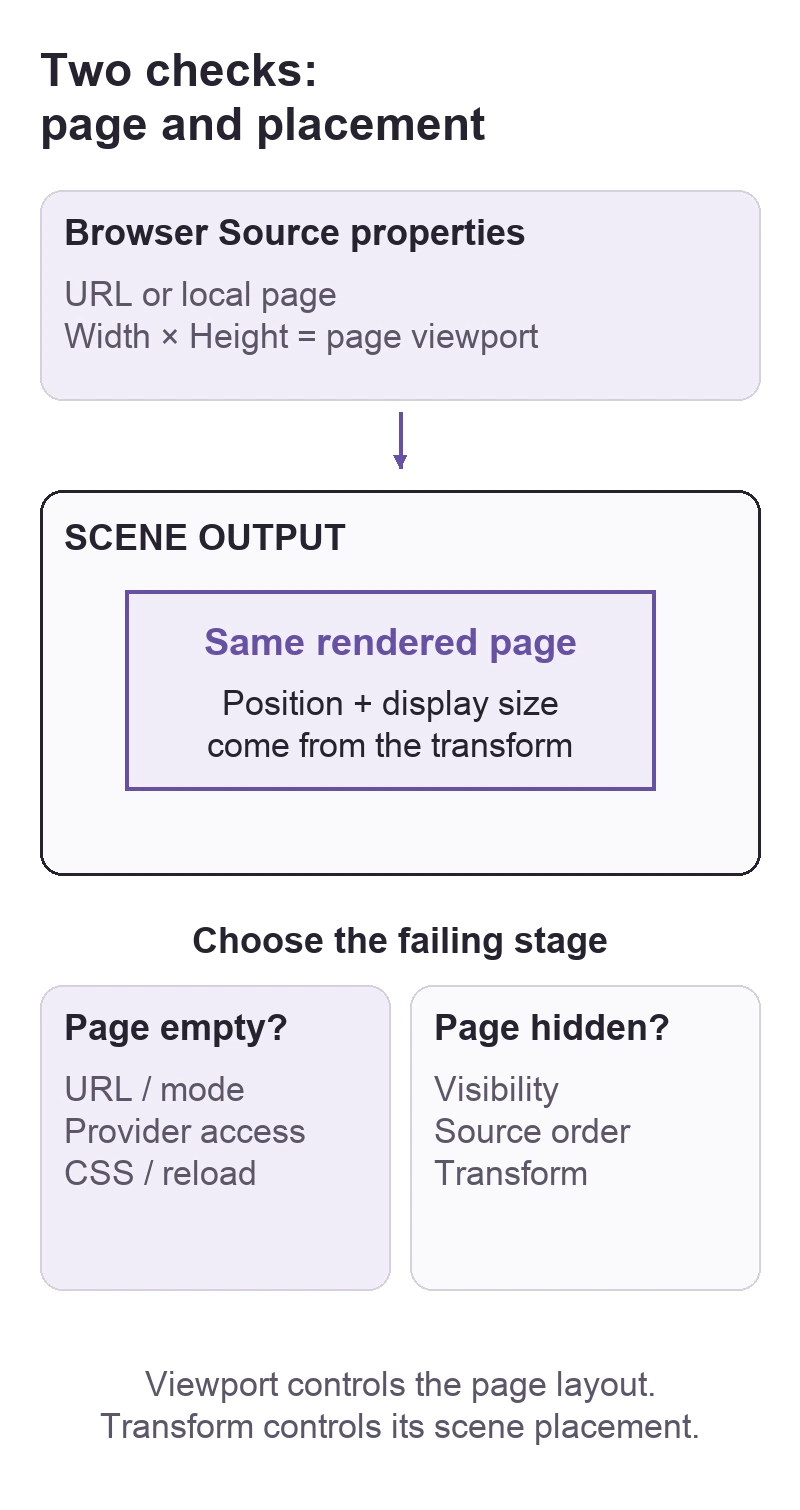
If a Browser Source is empty or shows old content, first confirm that the source is visible and inside the scene. Then open its properties and check Local file, URL, and the page's Width and Height. Enlarging its box in the scene does not change the embedded page's viewport.
In this guide
OBS Studio Browser Source on Windows, macOS, and Linux through official OBS packages. Covers embedded webpage sources and alert overlays; display capture, provider account recovery, and third-party plugin installation are outside this guide.
Check the page separately from its scene placement
Do this off-air. Keep the existing URL, custom CSS, and property values so you can restore them; refreshing can restart page content. Do not replace a working alert source throughout a live scene collection to make one comparison.
Confirm what the source is supposed to load
The OBS Browser Source reference defines Local file for a local webpage. With that option off, OBS loads the address in URL. Match the mode to the material you actually have.
For a hosted widget, compare the saved address with the provider's intended overlay or widget address. Opening the same address in your regular browser is useful, but a signed-in browser session does not establish that OBS's embedded page has the same access. A provider dashboard and its display widget can be different pages.
Keep private widget addresses out of public screenshots or forum posts. Do not publish an account page merely to make OBS display it.
Use a small comparison scene
Create a temporary scene, add a new Browser source from Sources > +, and leave its default OBS page address in place. Make the source visible. The Sources Guide documents adding and ordering sources.
| Comparison | What to inspect next |
|---|---|
| Default OBS page appears, intended widget does not | Intended address, provider access, and widget configuration. |
| Widget appears in the temporary scene but not the original | Visibility, covering sources, transform, and the original source's properties. |
| Neither page appears | Confirm the Browser source settings and whether OBS can load webpages before changing the widget. |
This comparison narrows the fault; it is not proof that every browser feature or widget is supported. For a source covered or positioned outside the scene, use OBS source visibility and transform checks.
Separate viewport size from scene size
In Browser Source properties, set Width and Height to the dimensions required by the page or widget. Those values define its browser viewport. The scene transform determines where that rendered page is placed and how large it looks in the output.
If only part of the page appears, compare the required viewport with these properties before stretching its scene box. OBS's default CSS hides scrollbars. On the temporary source, preserve and then compare any extra custom CSS you added; restore it if the result does not change. A transparent alert page may also have nothing visible until its provider's preview or test event runs.
Refresh deliberately
Refresh cache of current page reloads the page immediately. Try it once off-air and watch whether the expected content returns. Shutdown source when not visible unloads a hidden or inactive source; Refresh browser source when scene becomes active reloads it on activation. These are different lifecycle choices, not universal fixes.
If an animation restarts every time you change scenes, inspect those options before changing the animation itself. If a page must retain its state while hidden, automatic unloading or reloading may conflict with that requirement.
After a correction, record a short sample and try a scene switch. Check both visible content and whether it restarts at the intended moment. For an unresolved fault, use the OBS Help Portal with the OBS version, source mode, comparison result, and whether the problem occurs only after a scene change. Redact private URLs from any example.
Sources
Based on official documentation; not independently tested. Sources checked Oct 3, 2026. How we review guides
Something out of date? Let us know.
Related fixes
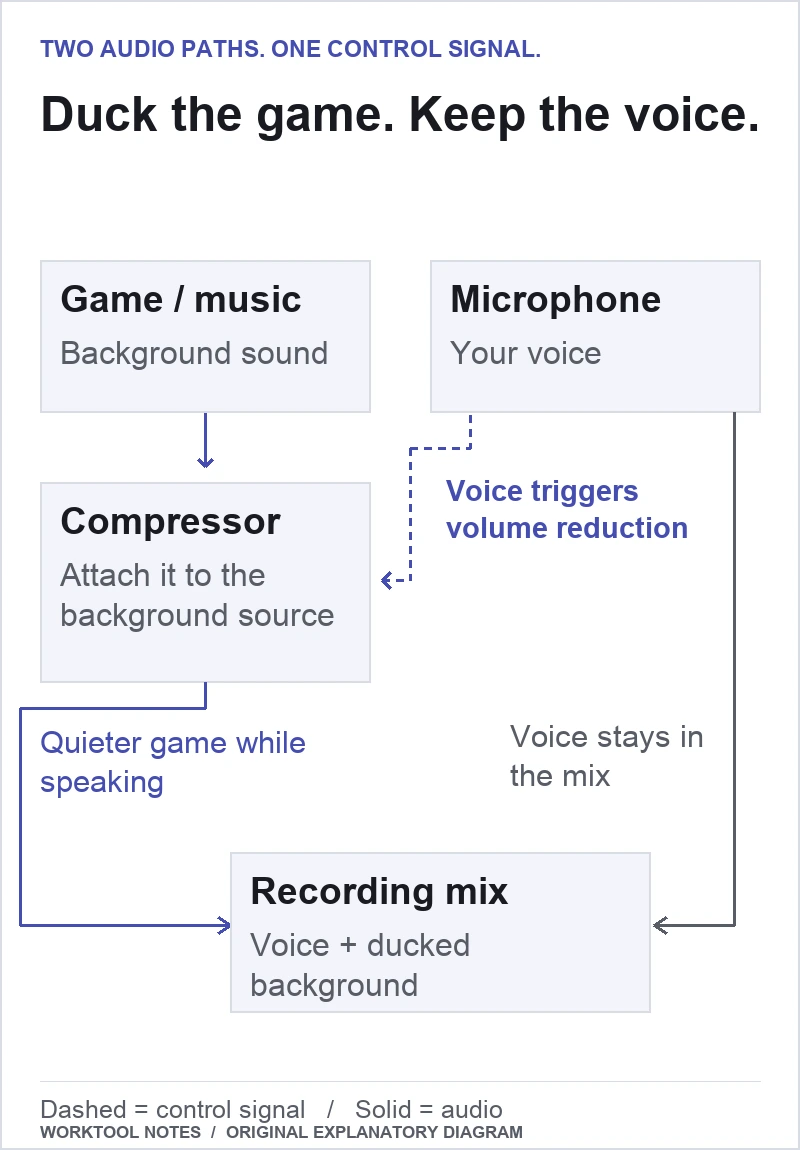
Lower game audio when you speak in OBS
Put a sidechain compressor on the game or music source, then use your microphone to trigger the volume reduction.
 OBS Studio
Record one app in OBS without capturing the rest of Windows
Capture a chosen application, remove the broad desktop-audio path, and test that unwanted sounds stay out of the recording.
OBS cannot find a Mac window to capture
Check screen-recording permission, the capture method, and the window filters before rebuilding your scene.